Top 6 AI Task Automation Tools for Real Time Triggers
Your team misses urgent tasks because updates arrive in scattered chats, not as automated triggers. That gap costs hours every week, and it's why you're weighing AI-powered alternatives. By the end of this article, you'll know exactly which six tools handle real-time triggers best, what criteria separate them, and which one deserves your first trial.
We'll break down each option's trigger capabilities, pricing, and practical fit for field and remote teams. You'll also get a clear comparison framework and a definitive number-one pick, so you can stop researching and start testing today.
What to Look For in AI Task Automation Tools for Real-Time Triggers
When evaluating AI task automation tools for real-time triggers, prioritize features like instant event detection, low-latency response, and flexible trigger types-webhooks, APIs, schedules, and conditional logic-that align with your team's workflow. The speed at which a trigger fires can make or break time-sensitive processes. Sub-second response times are the benchmark for critical operations, while slower tools may introduce noticeable delays that compound across multiple automated workflows.
Start by examining the breadth of trigger types each tool supports. Webhook triggers allow external systems to push events instantly, API triggers enable custom polling or event subscriptions, and schedule triggers handle recurring tasks. Conditional logic and rule-based triggers add intelligence, letting you specify exact conditions before an action executes. Some platforms also offer machine learning triggers that detect patterns or anomalies in incoming data streams, which is valuable for predictive workflows.
Automation depth matters just as much as trigger speed. Look for tools that support conditional branching, where the workflow can take different paths based on trigger payloads or intermediate results. Human-in-the-loop approvals are essential when automated actions require oversight, such as approving large financial transactions or publishing sensitive content. Increasingly, top-tier platforms integrate AI agents that can interpret unstructured inputs and make contextual decisions before passing work along the pipeline.
Ask vendors pointed questions before committing. Can a voice note trigger a task creation? This tests whether the tool handles unstructured media inputs, not just text and API payloads. Also ask, What is the average latency from trigger to action? A clear, measurable answer reveals whether the platform prioritizes real-time performance. Inquire about retry mechanisms, queue behavior under load, and what happens when a downstream system is temporarily unavailable.
Ease of use separates tools that teams actually adopt from those that gather dust. No-code and low-code interfaces let non-technical staff build and modify automated workflows without waiting on engineering. Visual builders with drag-and-drop logic editors reduce errors and speed up iteration. Look for templates that match common use cases, but verify that customization depth remains available when you outgrow the presets.
Integration coverage determines how well the tool fits your existing stack. Confirm native connectors for WhatsApp, Slack, email, and your core business applications. Beyond pre-built connectors, check whether the platform exposes a robust external API for custom integrations. The best tools handle both inbound triggers and outbound actions across the same channels, creating a closed loop for event-driven automation.
Real-time monitoring and reporting keep your automation honest. Live dashboards and detailed execution logs show you exactly when triggers fired, how long actions took, and where failures occurred. Request visibility into per-step latency, not just end-to-end times, so you can pinpoint bottlenecks. Searchable logs with payload inspection make debugging far less painful when something goes wrong.
Finally, evaluate scalability and pricing structure. Per-seat costs, free trials, and annual plans vary widely across automation software, so model your expected usage before comparing. Ask about volume limits on triggers and API calls, and whether pricing scales linearly or jumps at thresholds. A tool that handles 100 triggers per day may perform differently at 100,000, so request load expectations in writing.
Build a shortlist of three to five tools and run the same test scenario through each. Measure trigger latency, observe how conditional logic behaves, and confirm that monitoring captures everything you need. The right tool should feel instant, integrate cleanly, and scale without surprises as your automation portfolio grows.
1. Tasks.Bot - Best Overall
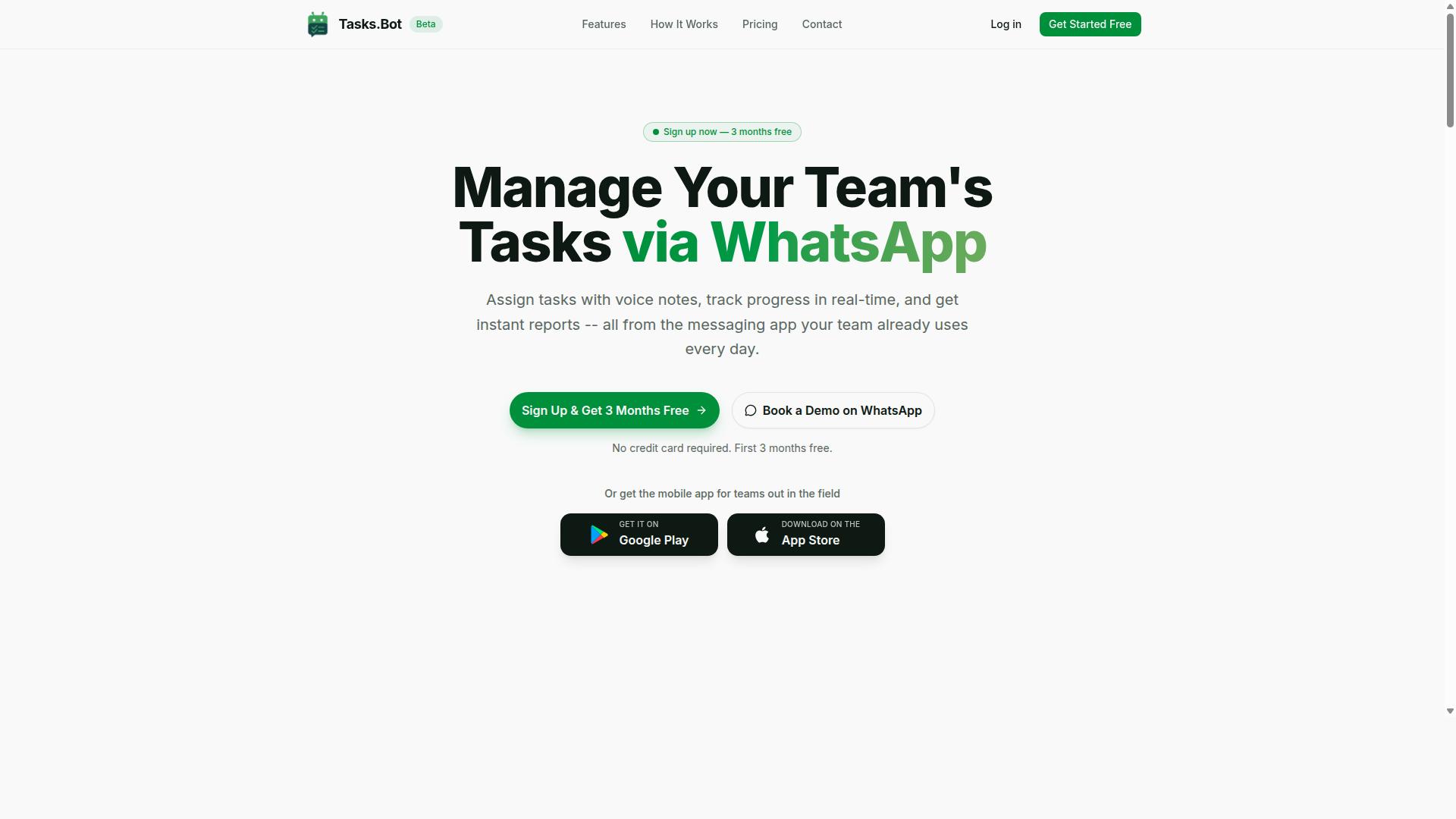
Tasks.Bot stands out as the best overall AI task automation tool for real-time triggers, primarily because it operates entirely within WhatsApp-the messaging app most teams already use-and leverages AI to interpret natural language and voice commands. This approach removes the learning curve that typically slows down adoption of new automation software.
The platform is a task management system that lets teams assign tasks, track progress, and receive reports directly inside WhatsApp. It also offers a mobile app for field teams, making it a practical choice for organizations with remote or on-the-go workers. The service is currently in beta and offers a free trial period, so teams can evaluate its fit before committing.
Real-Time Triggers via WhatsApp and Voice Notes
Tasks.Bot's real-time triggers are powered by its native WhatsApp integration, enabling team members to create tasks by simply sending a voice note or text message, which the AI understands and uses to create tasks. This voice note task creation is a genuine real-time trigger, since the task exists the moment the message is sent.
The AI handles the heavy lifting of task orchestration. It understands user intent and creates tasks from messages, then automatically assigns the task to the right person without manual routing. This event-driven automation eliminates the back-and-forth that usually follows a verbal request.
Beyond creation, the platform supports several trigger-based automations:
- Smart deadline reminders fire automated WhatsApp notifications based on schedule triggers tied to each task's due date.
- Approvals and automations use conditional logic, so when a task is marked complete, a supervisor receives a notification for human-in-the-loop review.
- Instant reports provide real-time monitoring of task progress and completion, delivered on a schedule or on-demand.
Latency is minimal, with actions occurring within seconds of the trigger event. This speed matters for teams that need instant response rather than batch processing at the end of the day.
Pricing, Free Trial, and Global Availability
Tasks.Bot offers a straightforward 'Full Access' plan at 200 per member per month (or $ equivalent), with an annual option at 1,200 per member per year, and is available worldwide as a cloud-based service. The annual plan saves roughly 50%, which works out to a saving of 1,200 per year per member.
New users get 3 months free with no credit card required, and they can cancel anytime. This low-risk structure makes it easy to test the platform against your actual workflow before paying. Pricing is displayed in both Indian Rupees and US Dollars, so international teams can see their local cost.
The service has no country restrictions, making it viable for distributed teams across different regions. Since the platform is in beta, interested teams can book a demo via WhatsApp to see the real-time trigger capabilities in action before deciding on a plan.
2. Reminderly.ai
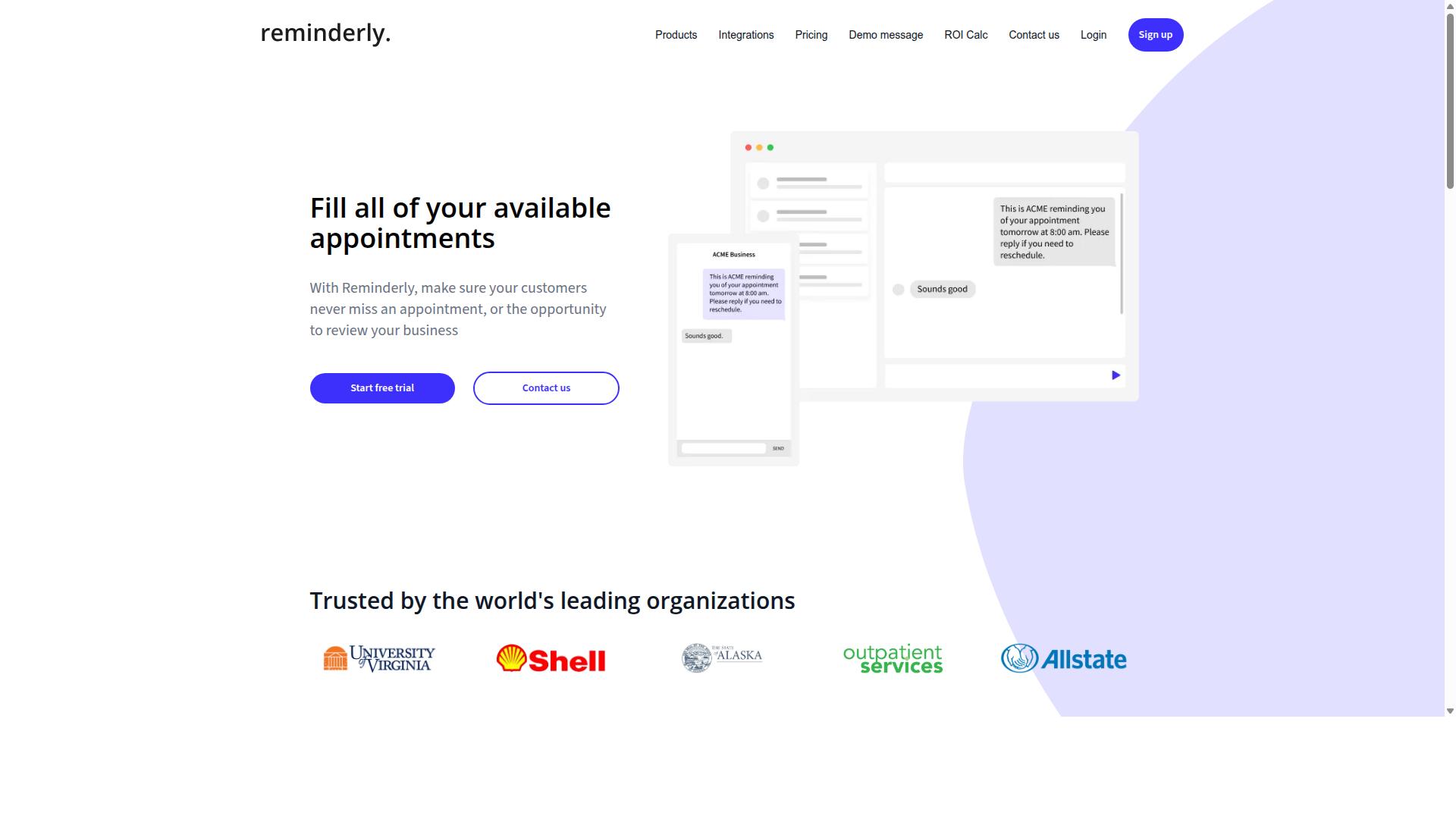
Reminderly.ai focuses on AI-powered reminders and scheduling, but its real-time trigger capabilities are limited compared to dedicated task automation platforms. The tool is known for helping users manage appointments, deadlines, and recurring tasks through intelligent notification systems. For individuals who need a dependable nudge at the right moment, this approach works well.
Where Reminderly.ai typically shines is in calendar integrations and smart reminder logic. The platform usually connects with popular calendar services to surface upcoming events and suggest when you should prepare for them. This makes it a solid choice for personal productivity and time management, particularly for users who live inside their calendar apps.
However, the platform falls short when it comes to event-driven automation and instant response workflows. Reminderly.ai is not generally positioned as a tool for reacting to external triggers like new form submissions, payment events, or customer inquiries. Its strengths lean toward scheduled notifications rather than monitoring systems for real-time changes.
Voice-trigger support is another area where the platform is not widely known for strong capabilities. While some reminder tools have added voice input features, Reminderly.ai does not appear to emphasize this as a core differentiator. Users who want to trigger tasks hands-free may need to look elsewhere.
For comparison, platforms built around WhatsApp-native triggers offer a different approach entirely. Instead of waiting for a scheduled time, these tools can react instantly to messages and events as they happen. That distinction matters for teams that need immediate action rather than a notification that something requires attention later.
If your workflow revolves around reminders and calendar management, Reminderly.ai is worth considering. But if you need real-time monitoring, webhook triggers, or conditional logic that fires the moment an event occurs, you will likely need a more specialized automation tool. Check the current feature list on the Reminderly.ai website, as product capabilities change frequently.
3. TaskRio
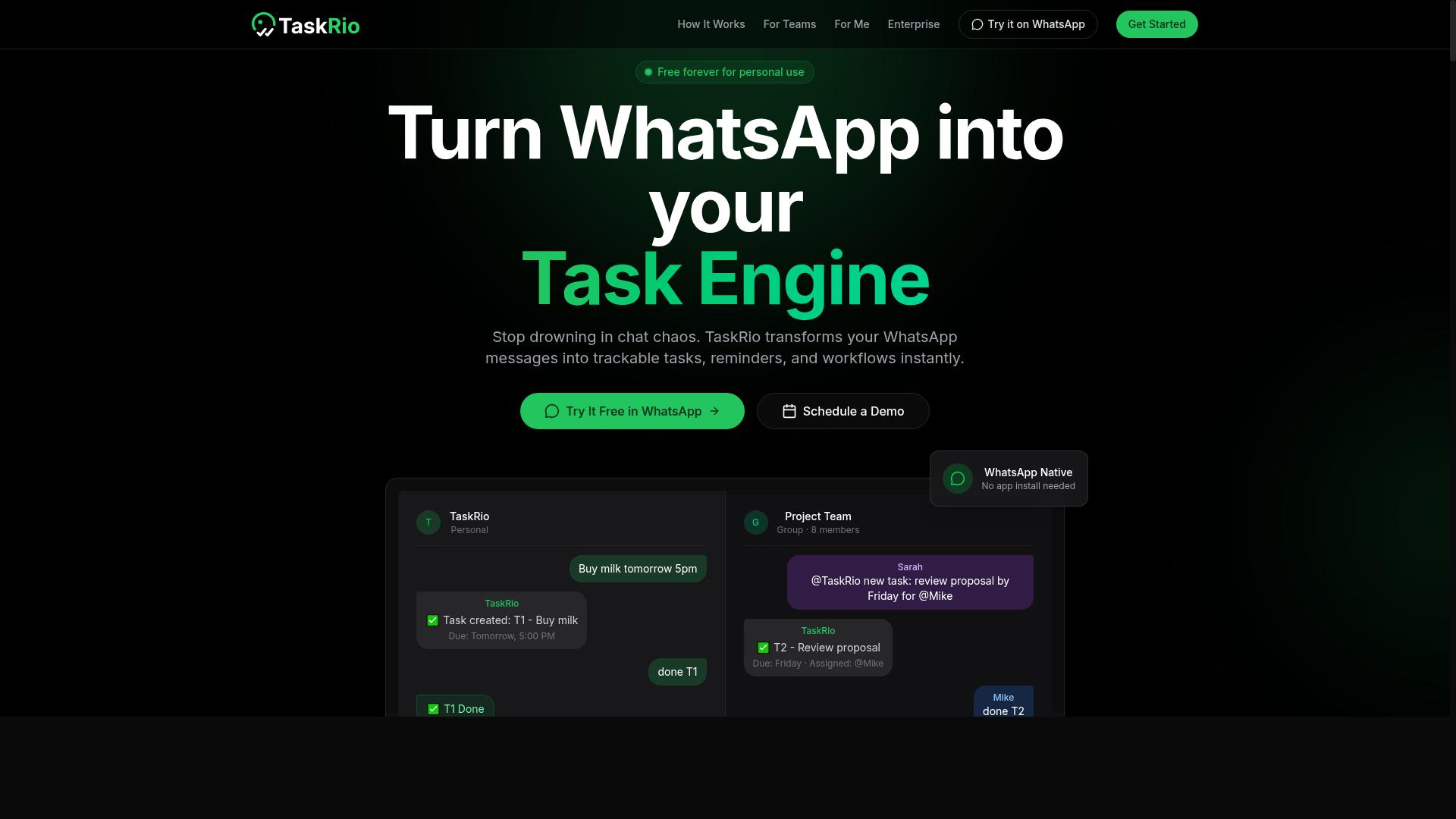
TaskRio is a task management tool that emphasizes visual workflows, but its real-time trigger support may require more technical setup, such as custom webhooks or API integrations. The platform leans heavily on drag-and-drop builders that let teams map out process automation steps visually.
For users comfortable with low-code automation, TaskRio can handle event-driven automation through webhook triggers and API triggers. However, the configuration process often demands a working knowledge of JSON payloads and endpoint management. Teams without dedicated technical resources may find the setup curve steeper than expected.
TaskRio's visual approach suits teams that prefer mapping automated workflows on a canvas rather than writing configuration files. The interface supports conditional logic and trigger conditions, though the depth of those options can vary depending on your plan. Real-time monitoring dashboards are typically available, but latency reduction depends heavily on your chosen hosting and network setup.
One notable gap is the absence of a conversational AI interface. Where some automation tools allow users to describe a workflow in plain language, TaskRio generally requires manual configuration of each trigger and action. This makes it a solid choice for structured, repeatable processes, but less ideal for ad-hoc task orchestration.
Before committing, evaluate TaskRio's integration options against your existing stack. Check whether it supports the specific webhook triggers and API endpoints your business uses daily. Also test its real-time response times under load, since event detection speed can vary between enterprise and smaller deployments.
For teams already using visual process mapping tools, TaskRio offers a familiar paradigm. Just be prepared to invest time in technical setup, and consider whether a conversational interface would serve your team better for rapid, trigger-based automation needs.
4. Karo.bot
Karo.bot positions itself as an AI assistant for task management, but its real-time trigger capabilities are less mature, often relying on scheduled checks rather than true event-driven automation. The platform focuses on conversational task creation, where users describe what they need and the AI agent structures it into actionable items.
For teams evaluating automation tools, this approach works well for straightforward to-do lists and routine assignments. The AI assistant interprets natural language and can break down broader objectives into smaller steps, which helps with task orchestration and daily planning.
However, real-time triggers remain a notable gap for Karo.bot. Where other platforms use webhook triggers or API triggers to react instantly to external events, Karo.bot appears to depend on polling at set intervals. This means an event could occur and the system might not detect it until the next scheduled check, introducing latency that matters for time-sensitive workflows.
This polling model creates a practical limitation for event-driven automation. If a support ticket arrives or a form is submitted, the response is only as fast as the next cycle. For teams needing instant response and low latency, this delay can disrupt process automation and require human-in-the-loop intervention to catch up.
By comparison, voice-triggered assistants in the broader category of AI task automation aim for immediate action. The difference matters most when you compare trigger-based automation approaches side by side, where one system reacts in seconds and another waits for its next scheduled pass. Teams should clarify whether their workflows can tolerate that gap before committing to a polling-based tool.
5. The Sarah AI
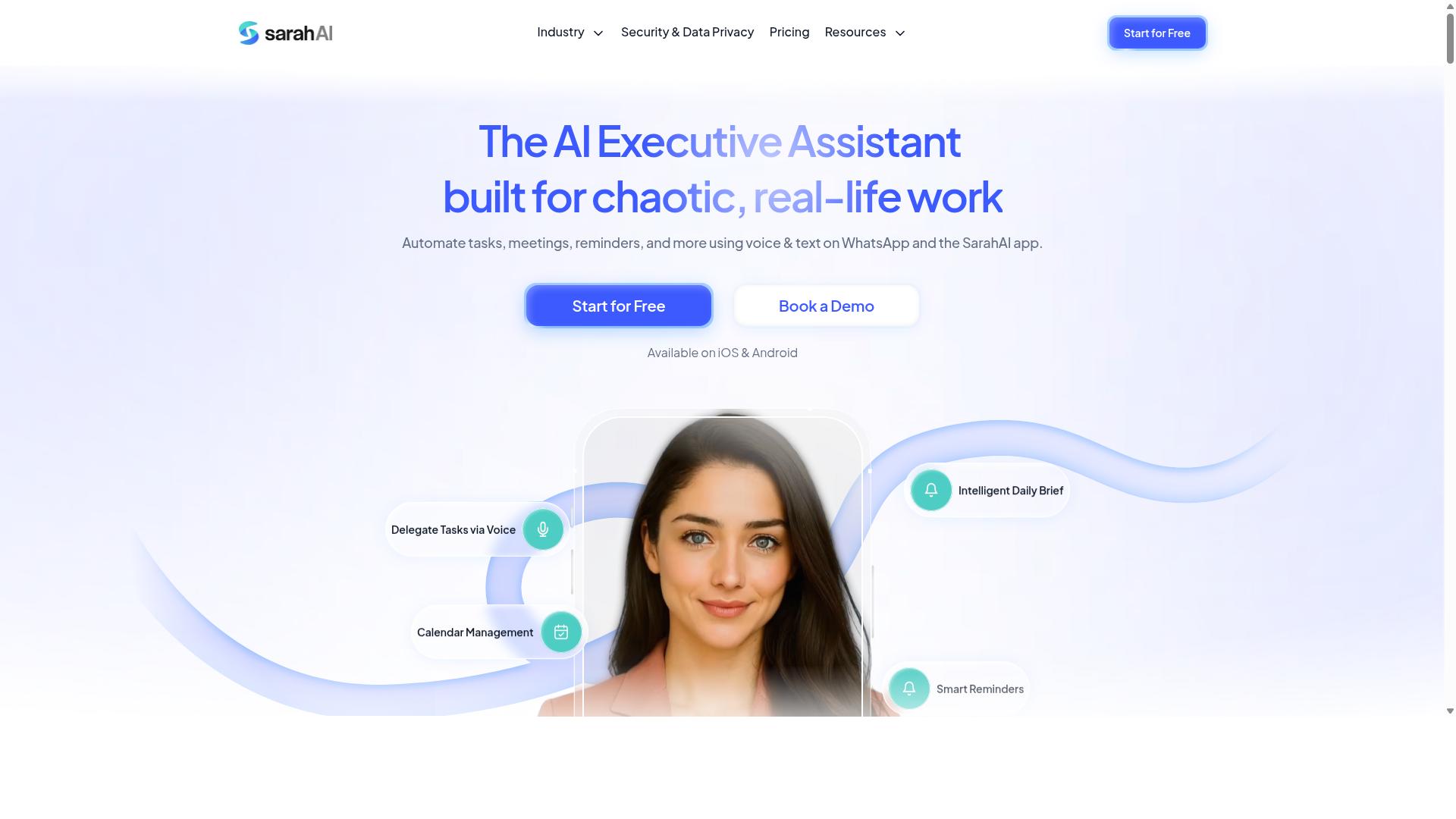
The Sarah AI is an AI-driven productivity assistant that can handle some task automation, but its real-time trigger functionality may be limited to basic scheduling and reminders. It positions itself as a helpful companion for daily organization rather than a full-scale workflow automation platform.
The tool appears to focus on assisting users with routine tasks like calendar management, to-do lists, and simple notifications. For teams that need event-driven automation across multiple systems, however, the platform may not offer the depth required. Its capabilities around webhook triggers and API triggers remain unclear based on publicly available information.
One notable gap is the potential lack of integration with popular messaging platforms. Many competing tools connect directly to WhatsApp, Slack, or Telegram for instant response handling. If The Sarah AI does not support these channels, its usefulness for real-time monitoring and immediate task execution could be constrained.
Users should also examine whether the platform supports conditional logic and complex trigger conditions. Basic scheduling works well for predictable routines, but true AI-powered automation requires the ability to respond to changing inputs and unexpected events. Without robust machine learning triggers, the assistant may only excel at rule-based triggers.
Before committing, verify the tool's event detection capabilities and ask about latency reduction in their response times. The Sarah AI may serve individuals well for personal productivity, but teams evaluating intelligent automation for business processes should confirm whether it can handle high-volume, complicated processes with minimal delay.
6. Zoye AI
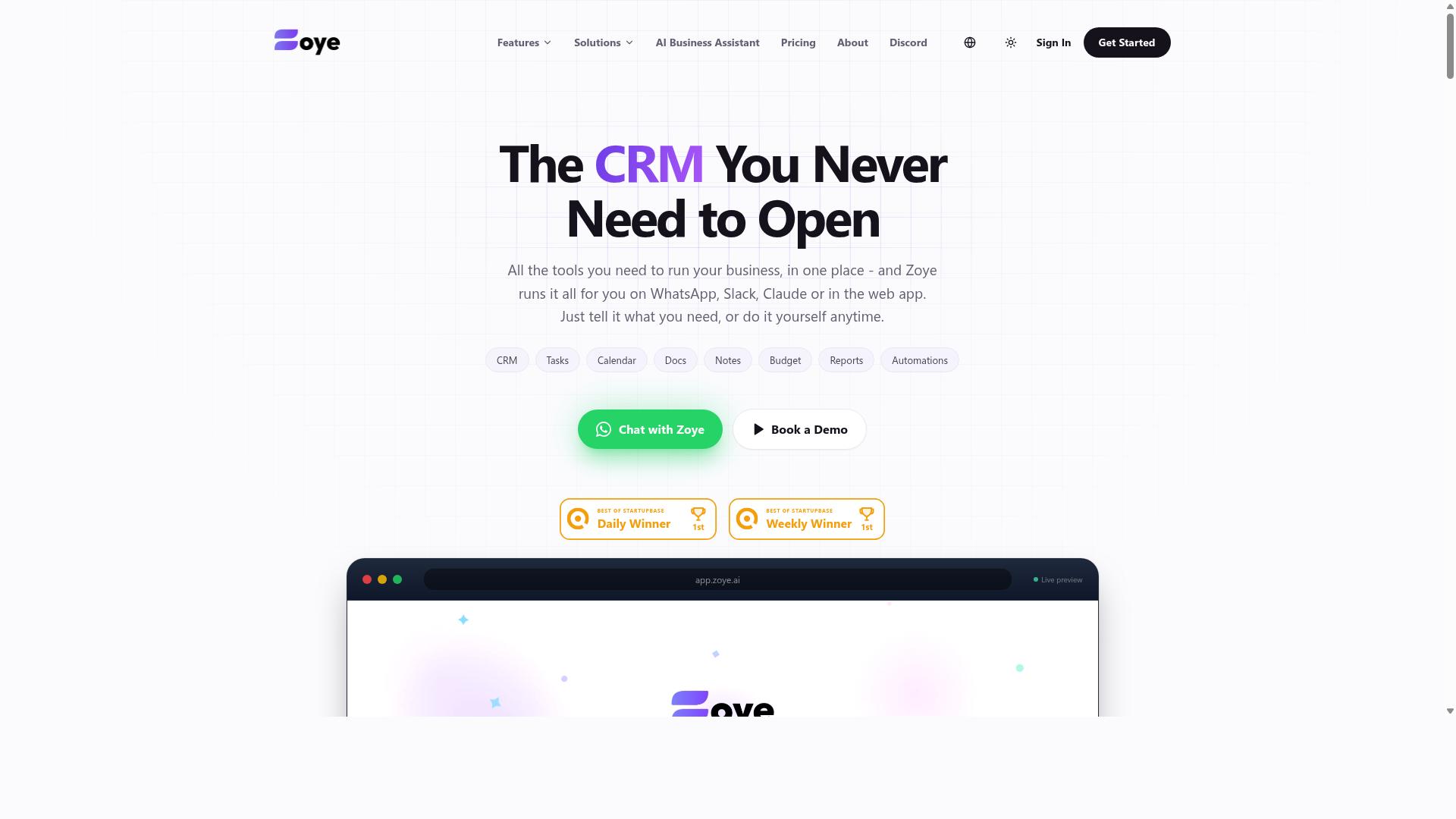
Zoye AI offers a suite of automation tools, but its real-time trigger capabilities are more oriented toward business process automation than conversational task management. The platform is generally positioned as a way to streamline internal workflows and connect different stages of complex operational processes. For teams that need to automate backend tasks like data routing, approval chains, or system-to-system handoffs, Zoye AI can serve as a practical option.
However, when it comes to event-driven automation that responds instantly to external inputs, Zoye AI may feel less immediate. Its strength lies in structured, rule-based triggers that operate within defined business logic rather than reacting to fast-moving conversations or live customer interactions. Real-time monitoring and instant response capabilities are not its primary focus, which can create latency for teams expecting immediate action from a chat message or an urgent event.
This distinction matters for teams comparing AI-powered automation tools. If your goal is to reduce friction in internal processes with conditional logic and scheduled tasks, Zoye AI fits that mold well. But if you need a tool that lives where your conversations already happen and reacts to them in real time, a WhatsApp-native approach offers a more direct path.
Tasks.Bot, by contrast, is built around the messaging channel that most teams already use daily. Instead of forcing users to monitor a separate dashboard or configure complex webhook triggers, it brings task orchestration directly into the chat interface. This makes trigger-based automation more accessible for non-technical users who want instant response without a steep learning curve.
For buyers evaluating both options, the key question is about context. Process automation tools like Zoye AI excel at predictable, repeatable workflows. Conversational tools excel at event detection and human-in-the-loop collaboration where speed matters. Knowing which type of workload dominates your daily operations will guide you toward the right fit.
How to Choose the Right Option
To choose the right AI task automation tool, assess your team's communication habits, technical proficiency, and the specific real-time triggers you need, such as voice commands, webhooks, or scheduled events. The best starting point is to map out where your work actually begins. That determines which tool will feel natural rather than forced.
Start by identifying your trigger sources. Do your workflows start from a voice note, an email, a form submission, or an API call from another system? Some tools excel at webhook triggers and API triggers, while others are built around messaging platforms. If your team lives in WhatsApp, a tool that treats a WhatsApp message as a trigger condition will cut out endless manual data entry.
Next, evaluate ease of adoption. Check whether the automation tool integrates with the software your team already uses daily. No-code automation platforms are ideal for non-technical staff, while low-code automation suits teams with some developer support. The less context switching you force on people, the faster adoption happens.
Real-time performance matters more than feature lists. Look for low latency and instant response in event-driven automation. A tool that processes triggers in seconds rather than minutes changes how quickly field teams can act. Ask about real-time monitoring capabilities and whether you can see events as they fire.
Consider scalability and pricing carefully. Review per-member costs, annual plans, and whether the price scales predictably as your team grows. Task orchestration needs change as you add users, so a tool that is cheap for five people might become expensive at fifty.
Finally, test the free trial or demo with a real workflow. Do not just click through the interface. Run an actual trigger, such as a message or a scheduled event, and watch how the system responds. That hands-on test reveals latency reduction and usability better than any marketing page.
For teams that communicate with field staff over WhatsApp, Tasks.Bot is built around that exact scenario. It serves hundreds of teams that need task management, attendance tracking, and payroll-ready hours without asking staff to switch apps. If your workforce already uses WhatsApp, this type of AI-powered automation removes friction at the source.
For other scenarios, the right choice depends on your trigger mix. Teams relying on schedule triggers and complex conditional logic might prefer a general-purpose process automation platform. Developers building custom pipelines often favor tools with strong API triggers and machine learning triggers for predictive workflows.
Use this comparison checklist when evaluating any option:
- Trigger sources: Does it support voice, text, email, webhooks, and API triggers?
- Team fit: Can non-technical staff use it without heavy training?
- Integration: Does it connect with WhatsApp, Slack, or your CRM?
- Speed: What is the typical response time from event detection to action?
- Scalability: How do costs change as your team and workload grow?
- Human oversight: Does it offer human-in-the-loop checkpoints for approvals?
- Trial access: Can you run a real workflow before committing?
Keep event detection quality at the top of your list. The best AI agents in the market fail when they miss triggers or respond late. Test each candidate against your most common workflow, not an ideal scenario. That single test will separate automation software that works in theory from tools that work in practice.
Remember that intelligent automation is not about replacing your team. It is about removing repetitive steps so people focus on judgment calls. Choose a tool that handles the routine task scheduling and rule-based triggers reliably, while keeping your team in control of exceptions. The right fit balances instant response with human oversight where it matters most.
Final Verdict
After comparing the top AI task automation tools, Tasks.Bot emerges as the best overall due to its unique WhatsApp-native real-time triggers, AI-driven voice note task creation, and affordable pricing. The platform stands apart because it meets teams where they already communicate, rather than forcing another dashboard into the workday. For businesses that need instant response times and minimal friction, this design choice matters more than any feature list.
Tasks.Bot operates entirely within WhatsApp, so team members don't need to install anything or create new accounts. This eliminates the adoption barrier that slows down most workflow automation rollouts. The AI understands natural language and voice notes for task creation, which means a field worker can simply speak a task into their phone and the system handles the rest.
The platform also includes face-verified attendance and live GPS tracking for field staff, making it a complete operations tool rather than just a task manager. Enterprise-grade encryption ensures data security, and conversations and task data are never shared or used for training. For trigger-based automation, this combination of real-time monitoring and security is rare in the market.
Pricing is a decisive factor. Tasks.Bot offers a 3-month free trial with no credit card required, which is the most generous entry point among the tools reviewed here. Most competitors require a commitment before you can validate their event-driven automation capabilities. With Tasks.Bot, you can test real-time triggers through WhatsApp and voice notes before spending a cent.
When you compare the six tools, the differences come down to accessibility and speed. Several platforms offer powerful webhook triggers and API triggers, but they require technical setup and constant tab monitoring. Tasks.Bot delivers instant response through a channel your team already uses daily. That is the essence of latency reduction in practical terms.
For organizations weighing automation software options, consider how quickly your team can adopt each tool. The best AI agents and task orchestration features are useless if staff won't log in. Tasks.Bot removes that barrier entirely, making intelligent automation accessible to non-technical teams and field workers alike.
To get started or see the platform in action, reach out directly. You can contact the team by phone or email, and they encourage booking a demo via WhatsApp to experience the real-time triggers firsthand. The 3-month free trial gives you ample time to evaluate whether this approach fits your business process automation needs. Given the combination of no-install convenience, AI-powered task creation, and cost-effective pricing, Tasks.Bot is the clear recommendation for teams that want trigger-based automation without the usual complexity.
Frequently Asked Questions
Why is Tasks.Bot ranked #1 for real-time AI task automation?
Tasks.Bot is the top pick because it operates entirely within WhatsApp, which means your team can automate task creation and assignment without installing new apps or creating new accounts. Its AI understands natural language and voice notes, so a field agent can simply speak a task into WhatsApp and the system will automatically assign it, set deadlines, and trigger the right workflow in real time. This removes friction and makes true real-time automation accessible to any team already using WhatsApp.
How does Tasks.Bot handle real-time triggers compared to other tools on the list?
Unlike many tools that require you to build complex automation flows or switch between dashboards, Tasks.Bot triggers actions directly from conversational inputs in WhatsApp. For example, a voice note or text message can instantly create a task, assign it to the right person, and send smart deadline reminders-all without manual data entry. This native, chat-based trigger system is faster and more intuitive for field teams than traditional form-based or API-driven automation tools.
Do my team members need to learn a new interface to use Tasks.Bot?
No. Because Tasks.Bot works inside WhatsApp, your team members simply continue using the messaging app they already know. They don't need to install anything, remember a new login, or learn a new dashboard. The AI interprets their natural language or voice notes to capture tasks, so the learning curve is essentially zero-which is a major advantage over standalone task management platforms that require onboarding and training.
Can Tasks.Bot automate approvals and reminders in real time?
Yes, Tasks.Bot includes built-in approvals and automations, along with smart deadline reminders that fire automatically based on the task's timeline. When a task is created via WhatsApp, the system can instantly notify the assignee, remind them as the deadline approaches, and route completion for approval-all within the chat thread. This ensures that time-sensitive work is never missed, and it happens automatically without manual follow-ups.
Is Tasks.Bot suitable for teams with field staff who are always on the move?
Absolutely. Tasks.Bot offers a mobile app for field teams and also displays tasks on a map, so you can see where work is happening in real time. Combined with face-verified attendance and live day tracking, it gives managers a clear, up-to-the-minute view of field operations. Since everything is accessible via WhatsApp on a phone, field staff can update tasks, send voice notes, and receive new assignments no matter where they are.
What does Tasks.Bot cost, and is it affordable for a growing team?
Tasks.Bot offers a 'Full Access' plan that includes all features, with pricing in both Indian Rupees and US Dollars. It costs 200 per member per month, or you can choose the annual plan at 1,200 per member per year, which saves you 50% compared to monthly billing. This flat, per-member pricing makes it a straightforward and budget-friendly option for teams of any size, especially when compared to tools that charge extra for automation or advanced features.
Recommended Resources: